
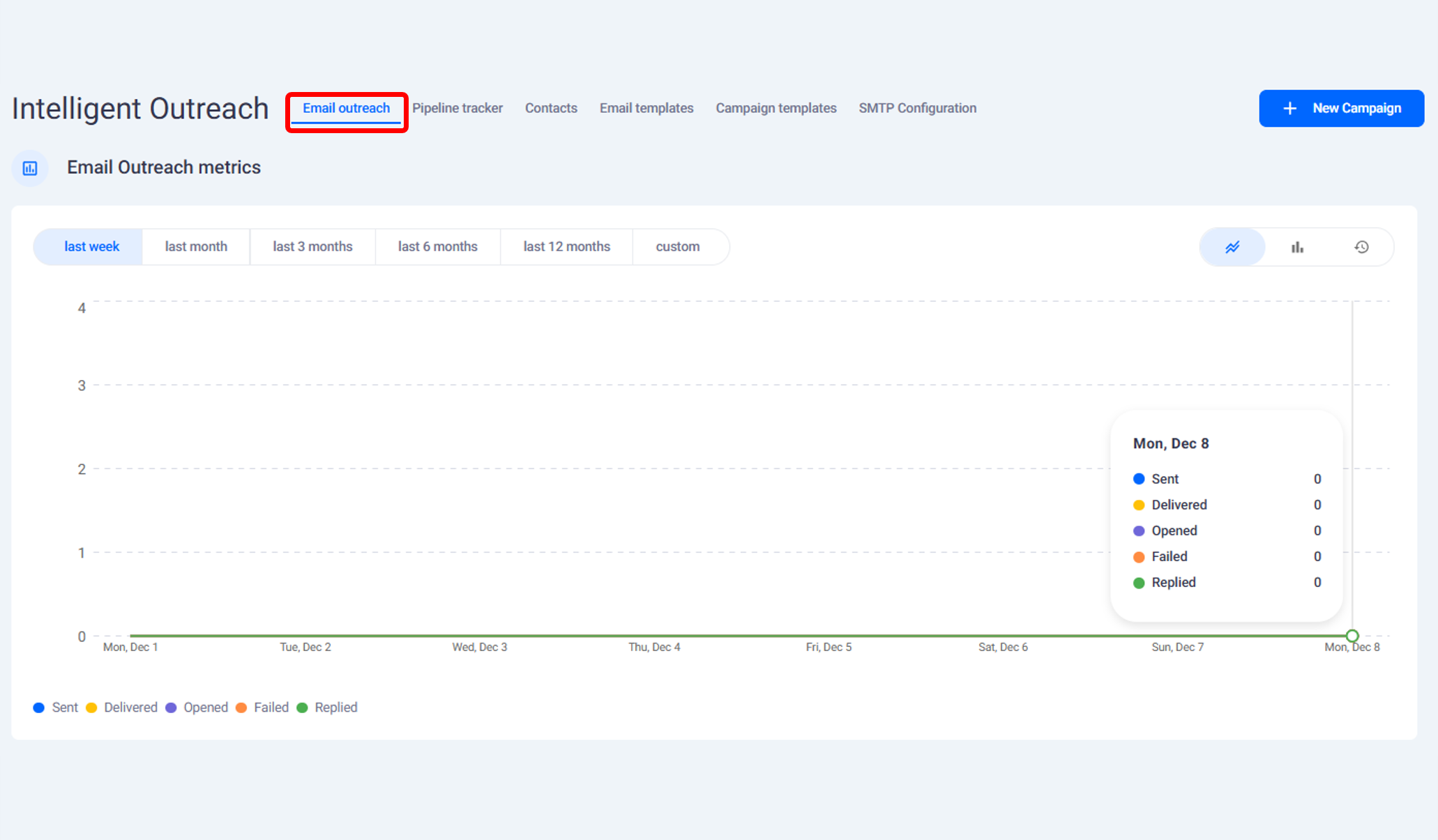
Accessing the Calendar
Click the Calendar button located at the top of Intelligent Outreach
The screen displays upcoming scheduled meetings
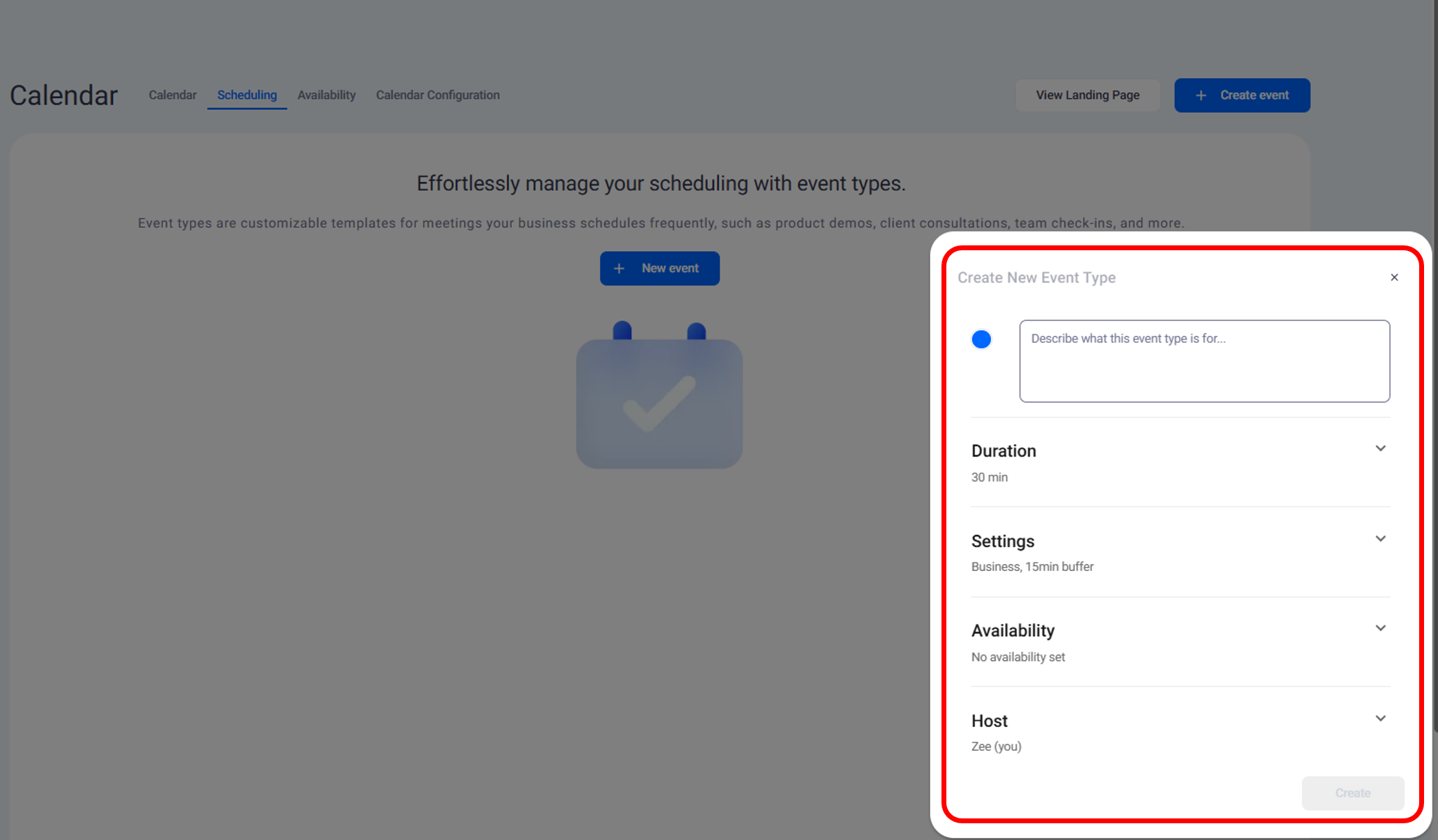
To create a new event, select New Event

Creating a Meeting Event
Add a description of what the event is for
Set the duration to 30 minutes or another preferred length
Add a buffer period to prevent back-to-back meetings
Enable email and text message reminders
Confirm host details and create the event
Sharing the Meeting Link
Once created, copy the meeting link from the event screen
Insert the link into your investor outreach email
When a recipient clicks the link, they can schedule directly
Confirmed meetings appear on your calendar automatically
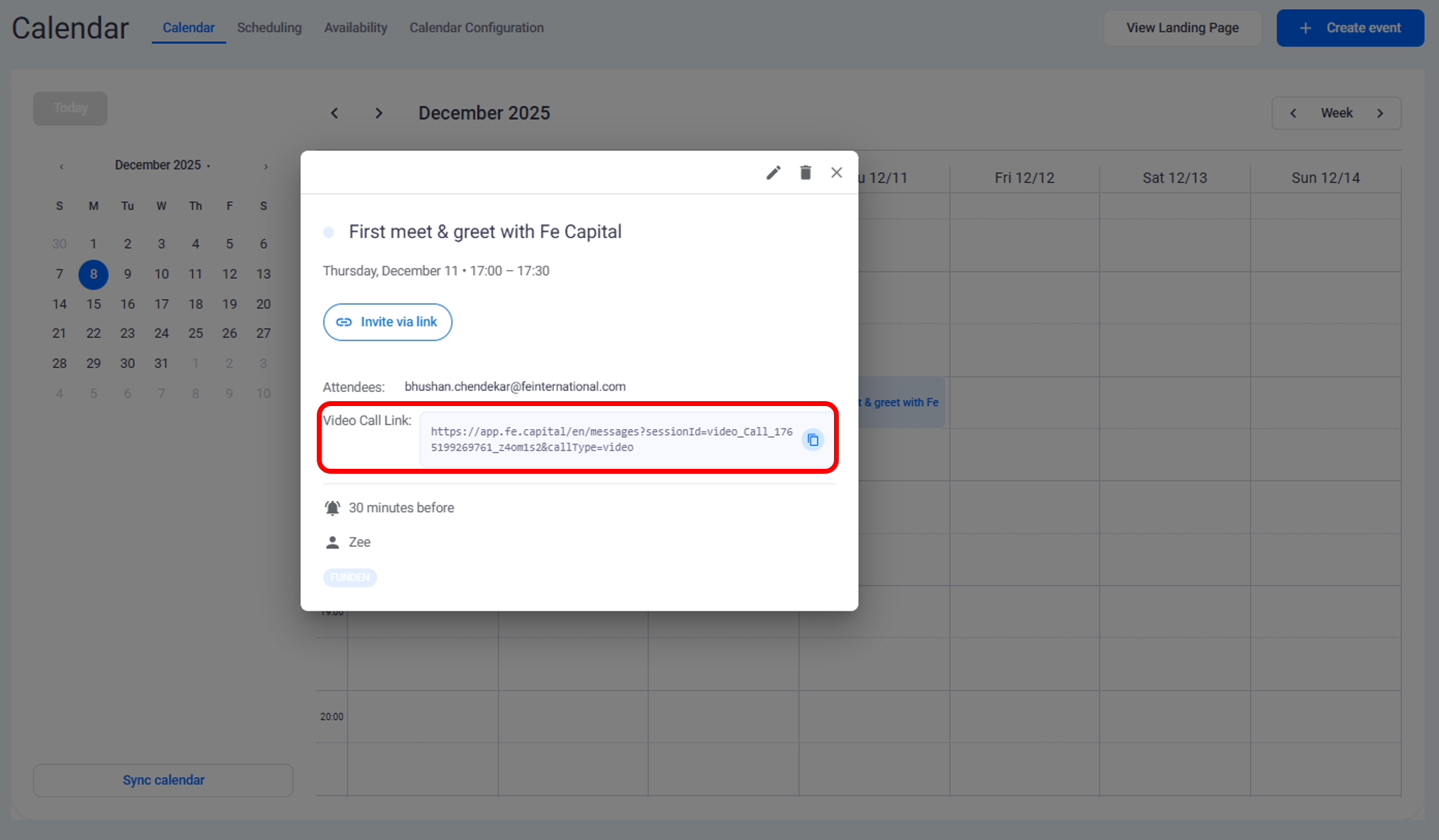
The scheduling feature enables quick meeting setup and easy sharing of booking links with investors. Events created inthe IntelligentOutreach calendar appear instantly in your meeting list and can be shared directly through outreach emails.
Need help?
Contact our support team and get the help you need.

.webp)