
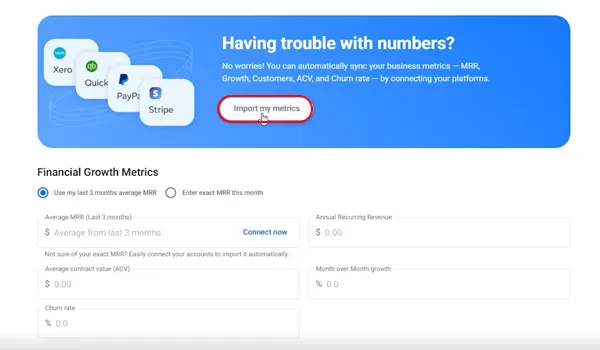
Importing Metrics
in Onboarding
During onboarding, FE Capital allows you to import your financial metrics directly from your billing or accountingplatforms. This ensures your most important KPIs are automatically updated and investor ready.

Manual
Input Option
If you prefer not to connect your billing or accounting platforms, FE Capital allows you to input metrics manually.This option lets you enter your financial data and key unit economics directly.
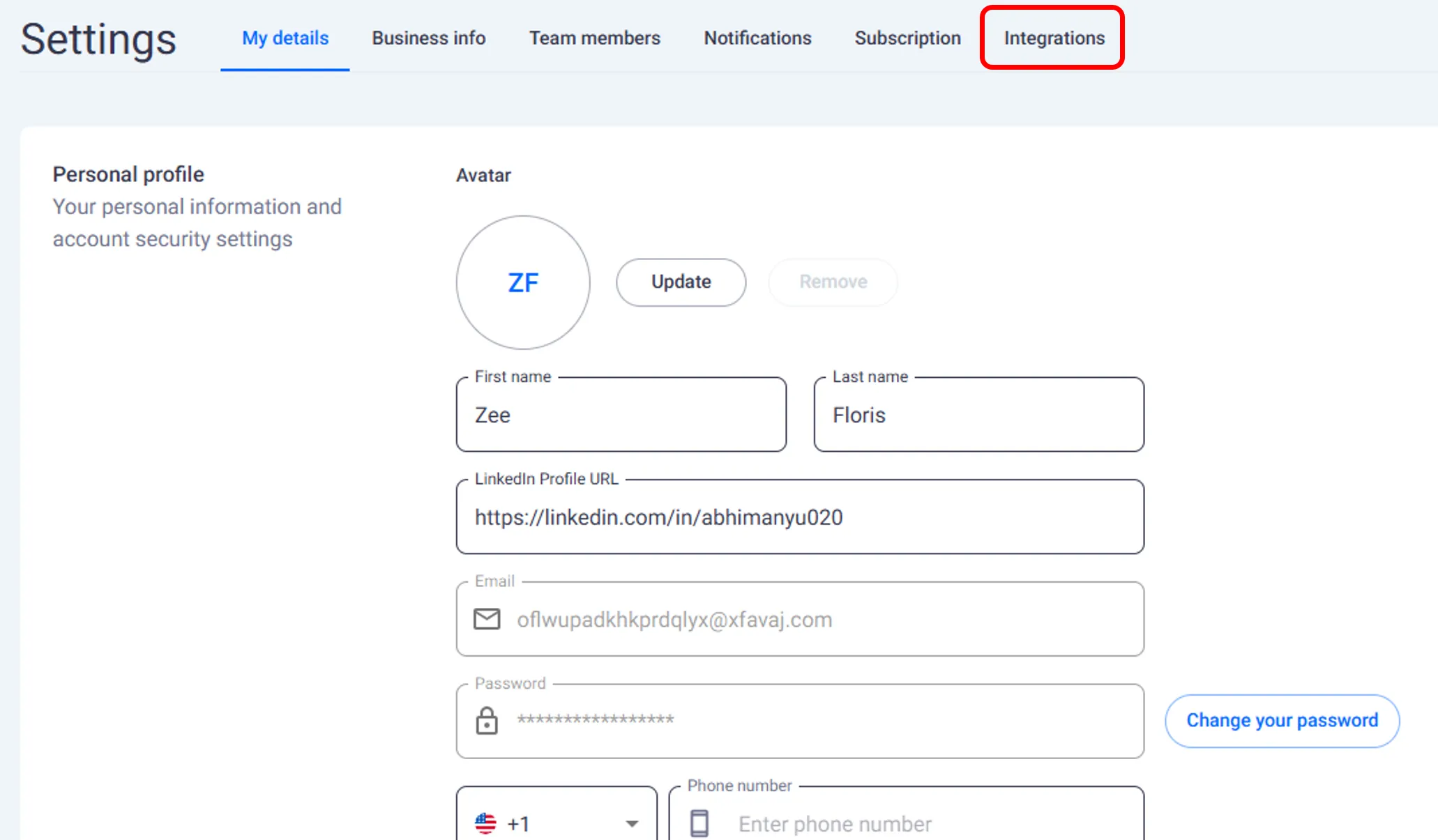
Connecting
After Onboarding
If you skipped connecting your platforms during onboarding, FE Capital allows you to integratethem later from your account settings.
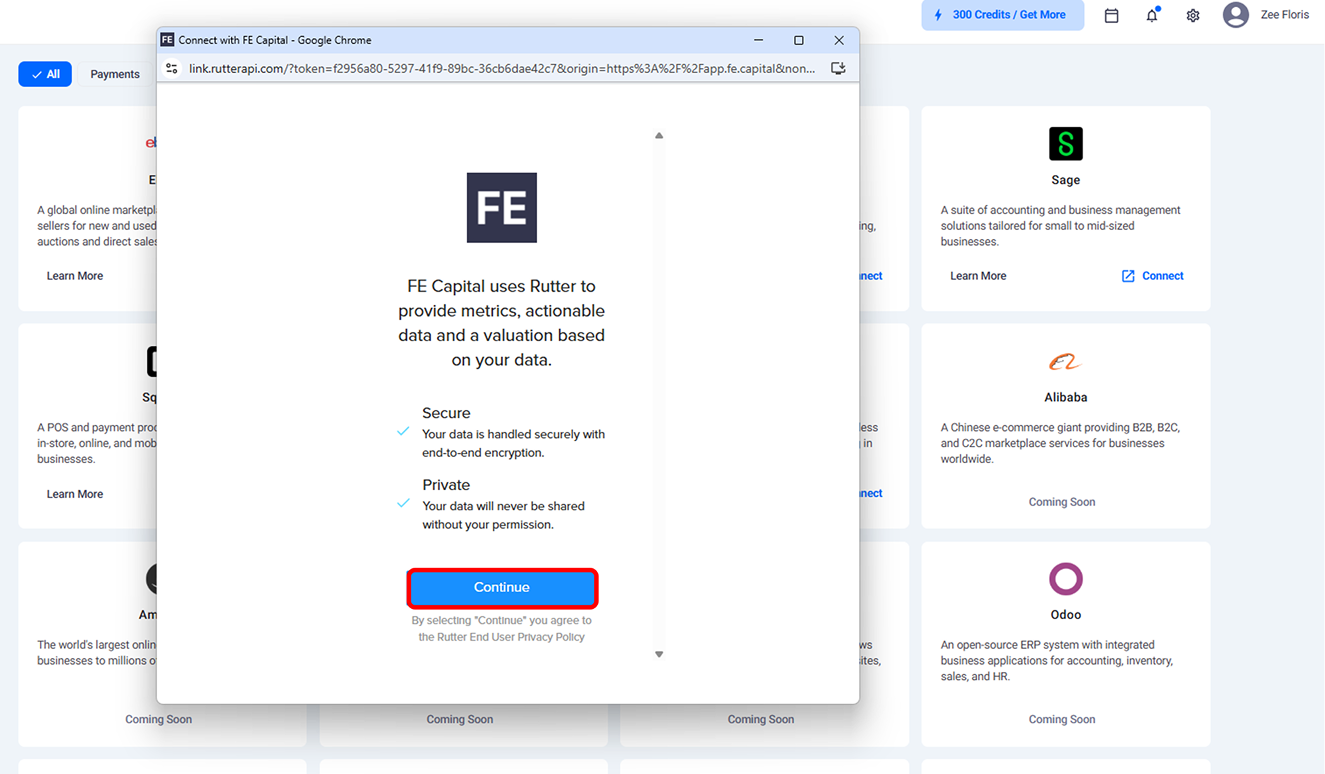
Secure Connection with Rutter
FE Capital uses Rutter to securely import data from connected platforms. Rudder ensures that all financial andperformance information is transferred safely between your billing or accounting tools and FE Capital.
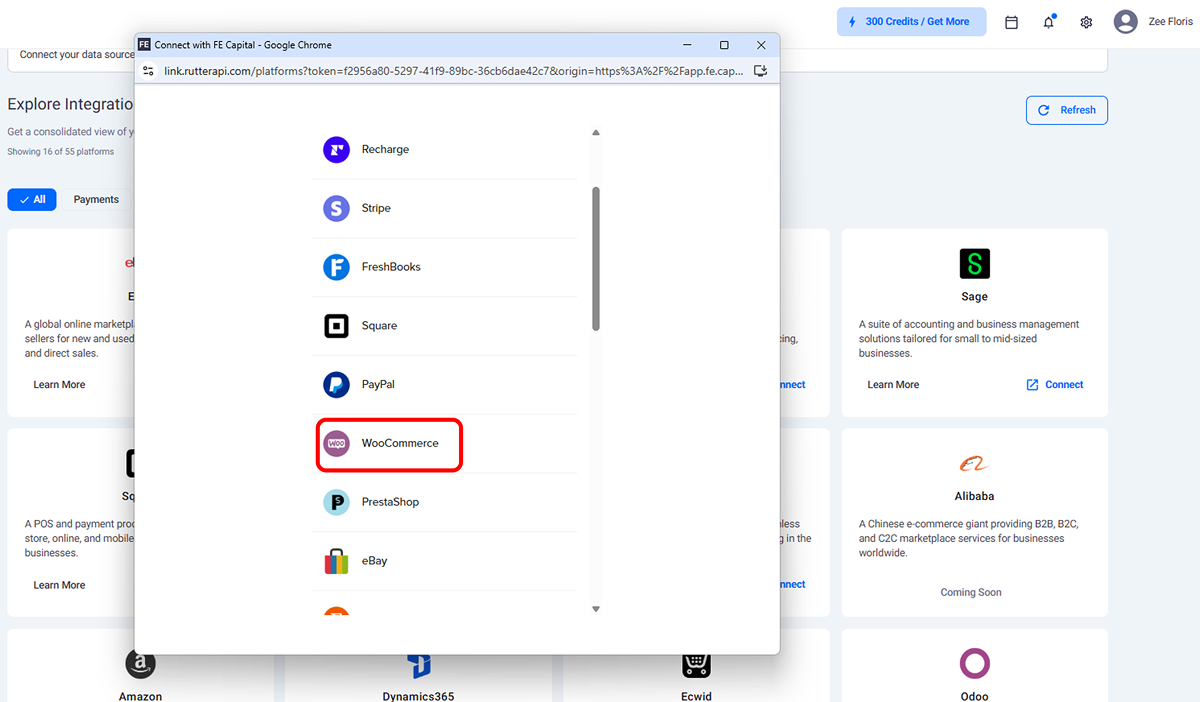
Adding More
Platforms
FE Capital supports connecting multiple platforms beyond Stripe and QuickBooks. Adding more integrations helpsmaintain complete visibility into your financial performance across different tools.
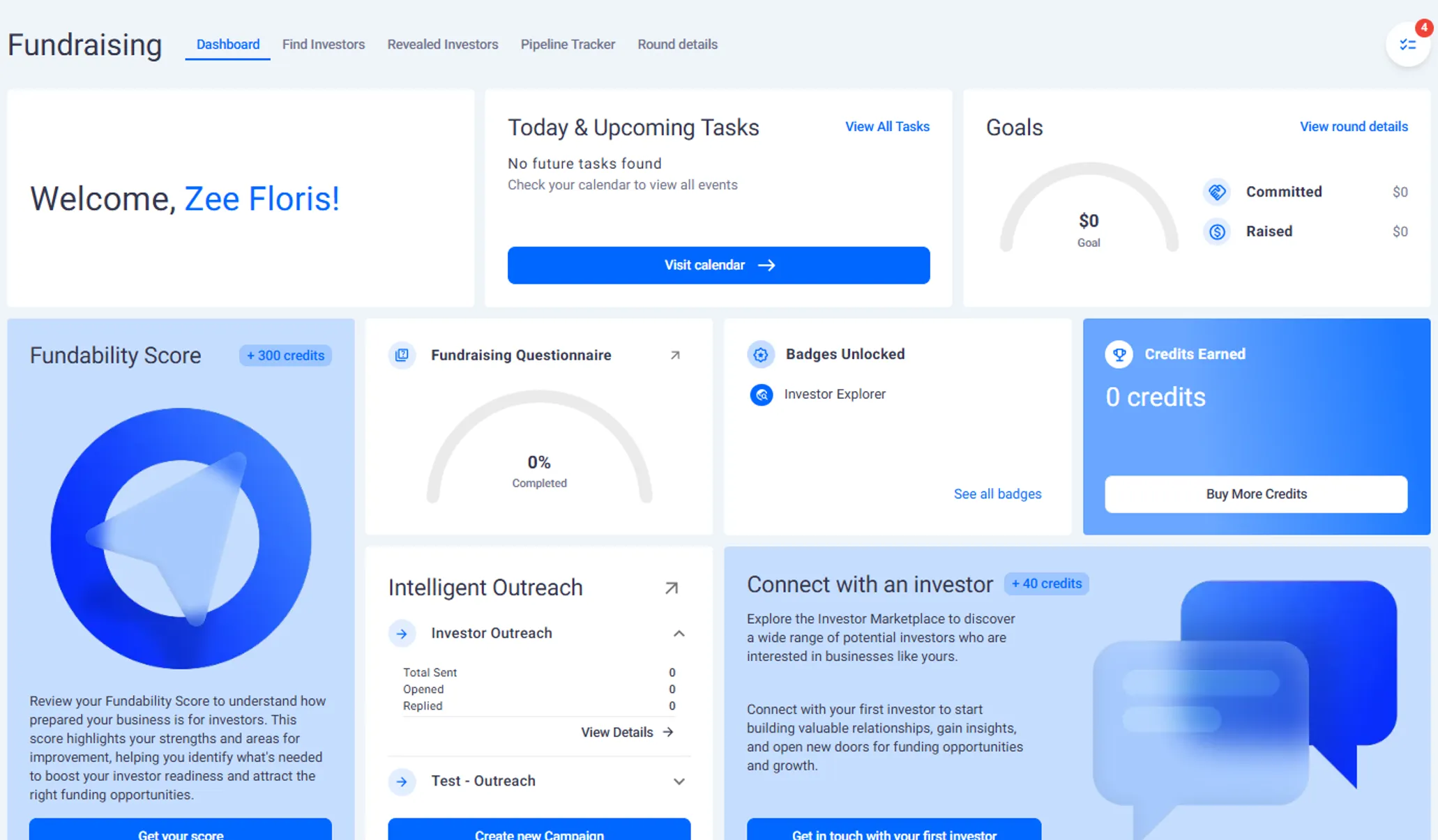
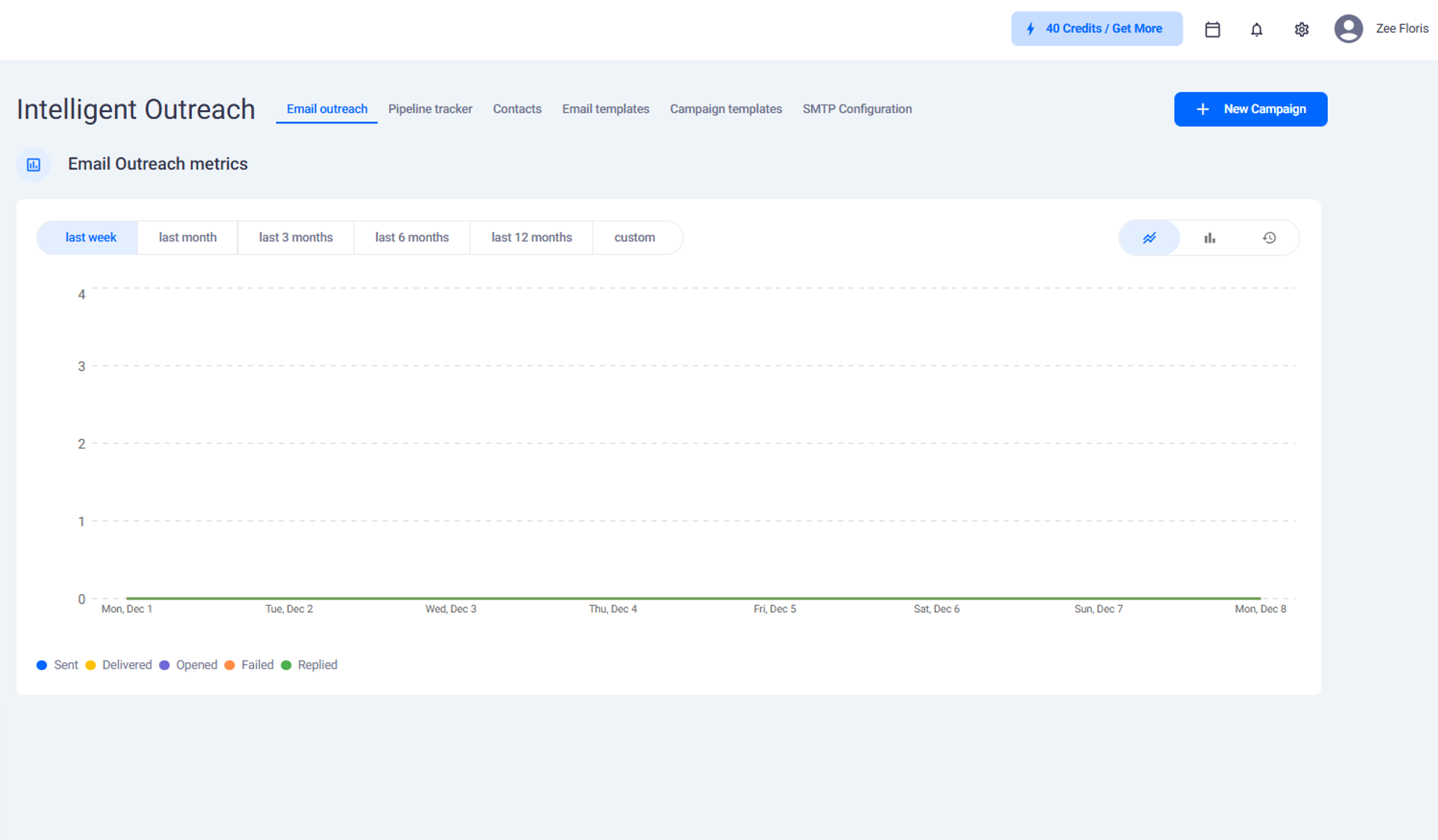
Inside Intelligent
Outreach
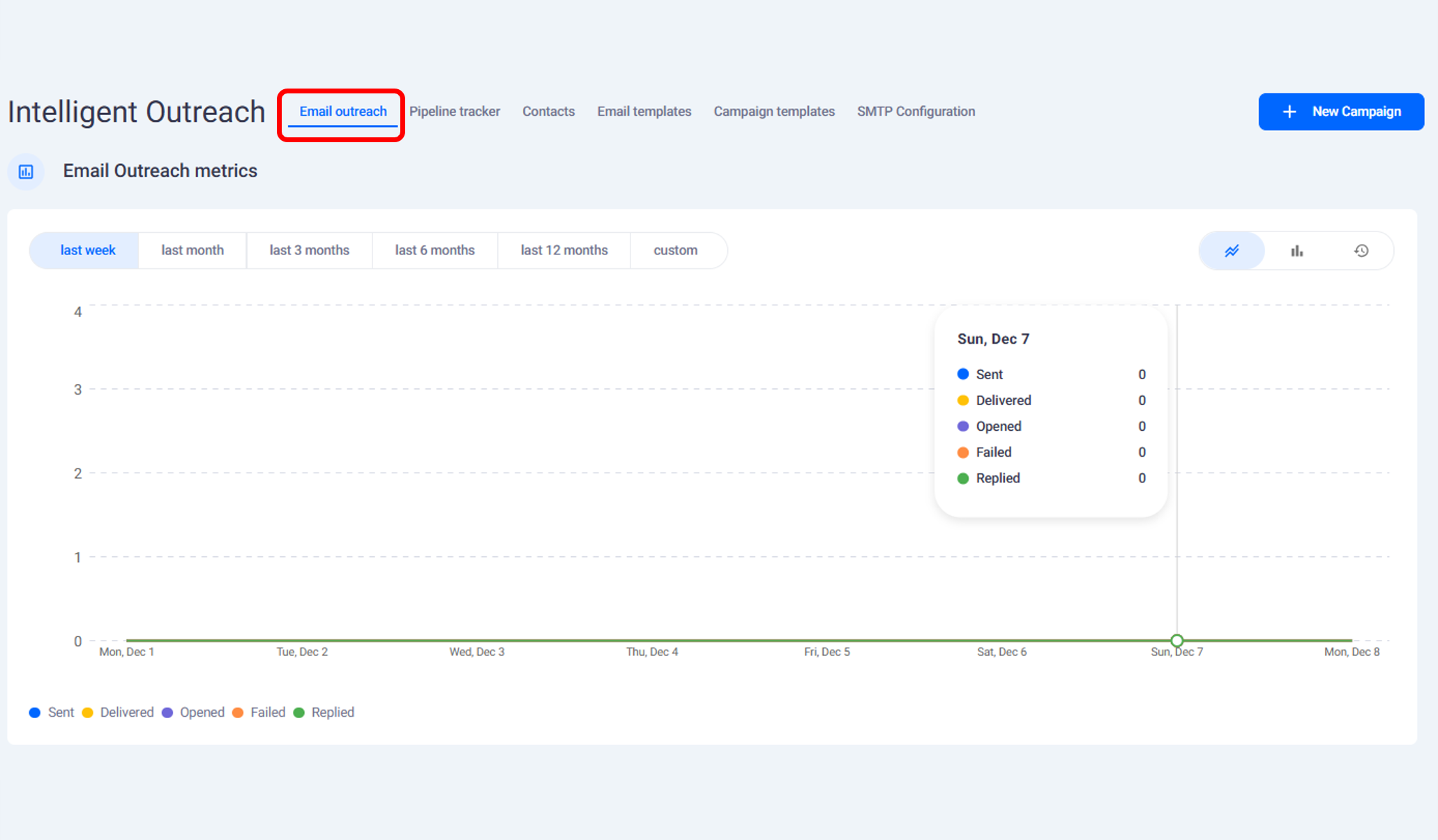
This section provides an overview of Intelligent Outreach in FE Capital.The feature is located on theleft-hand side of the FE Capital navigation bar and is designed to help set up automated campaigns toreach investors that have been matched to your account.
Creating
a Campaign
This section explains how to create a new campaign inside Intelligent Outreach. Campaign creation allowsyou to organize investor contacts, choose email settings, and set up automated outreach sequences.
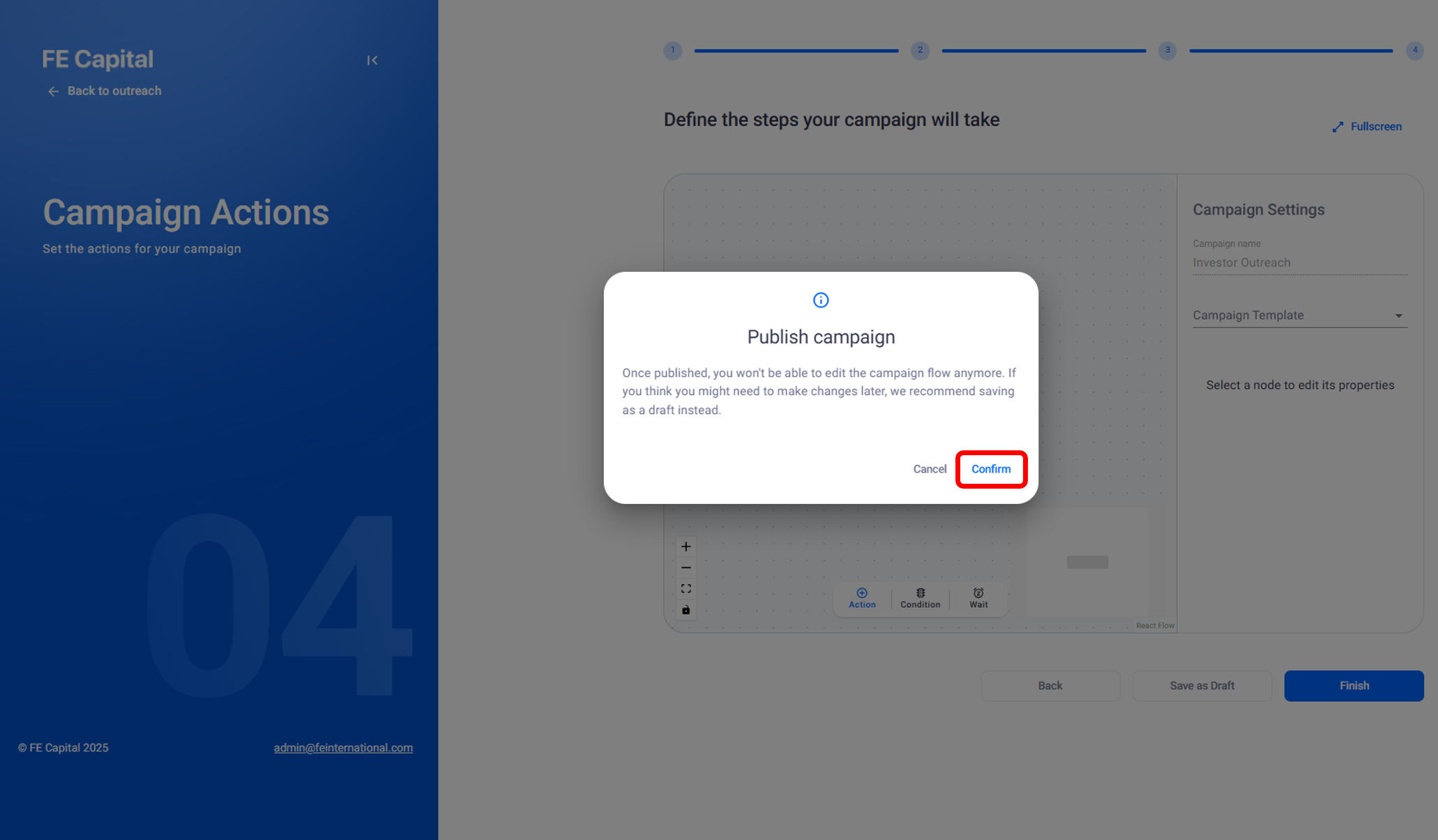
Publishing
and Tracking
Once a campaign is created, the next step is to publish it. This section explains how to publisha campaign and track its performance through Intelligent Outreach.
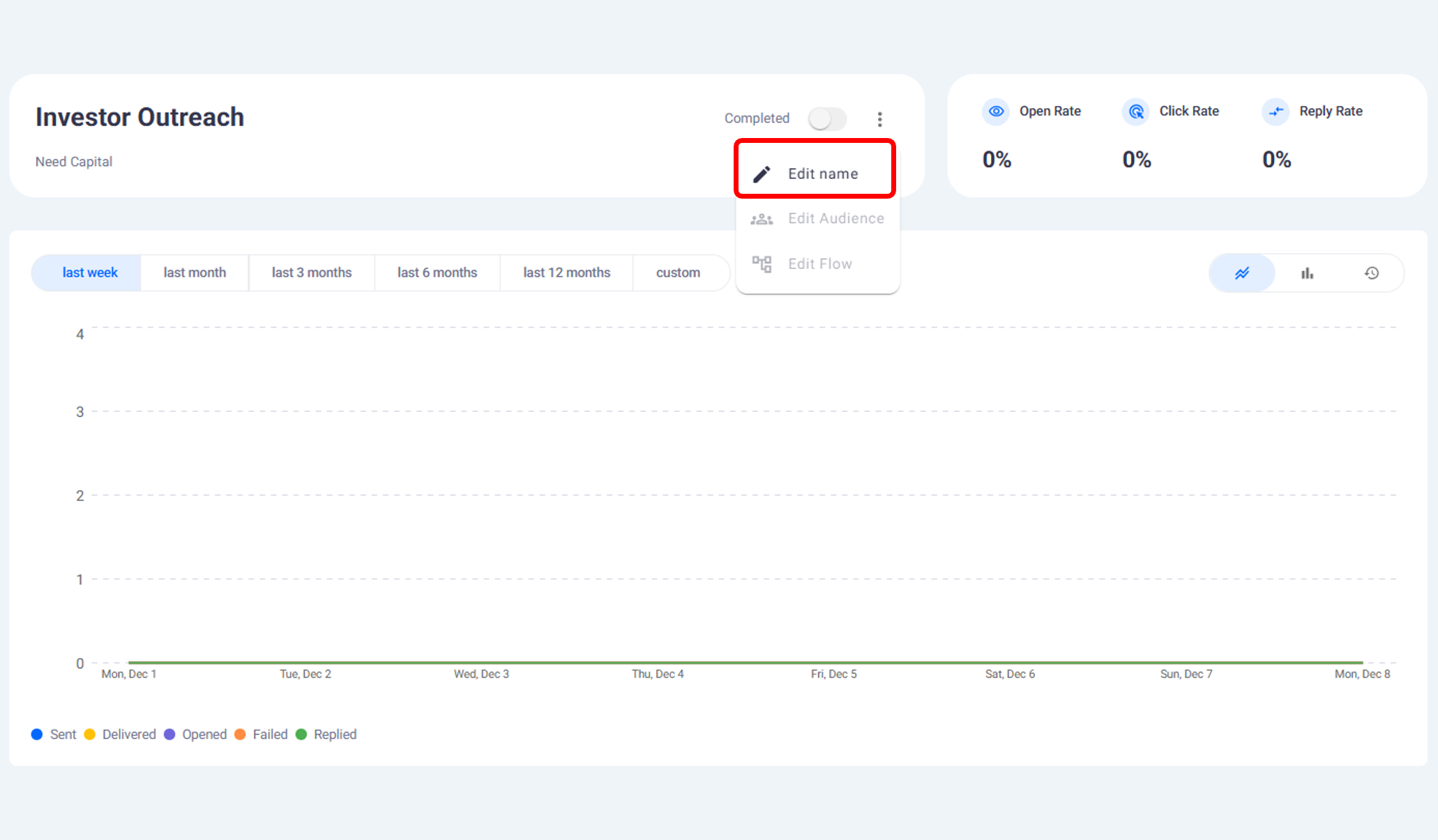
Scheduling
Meetings
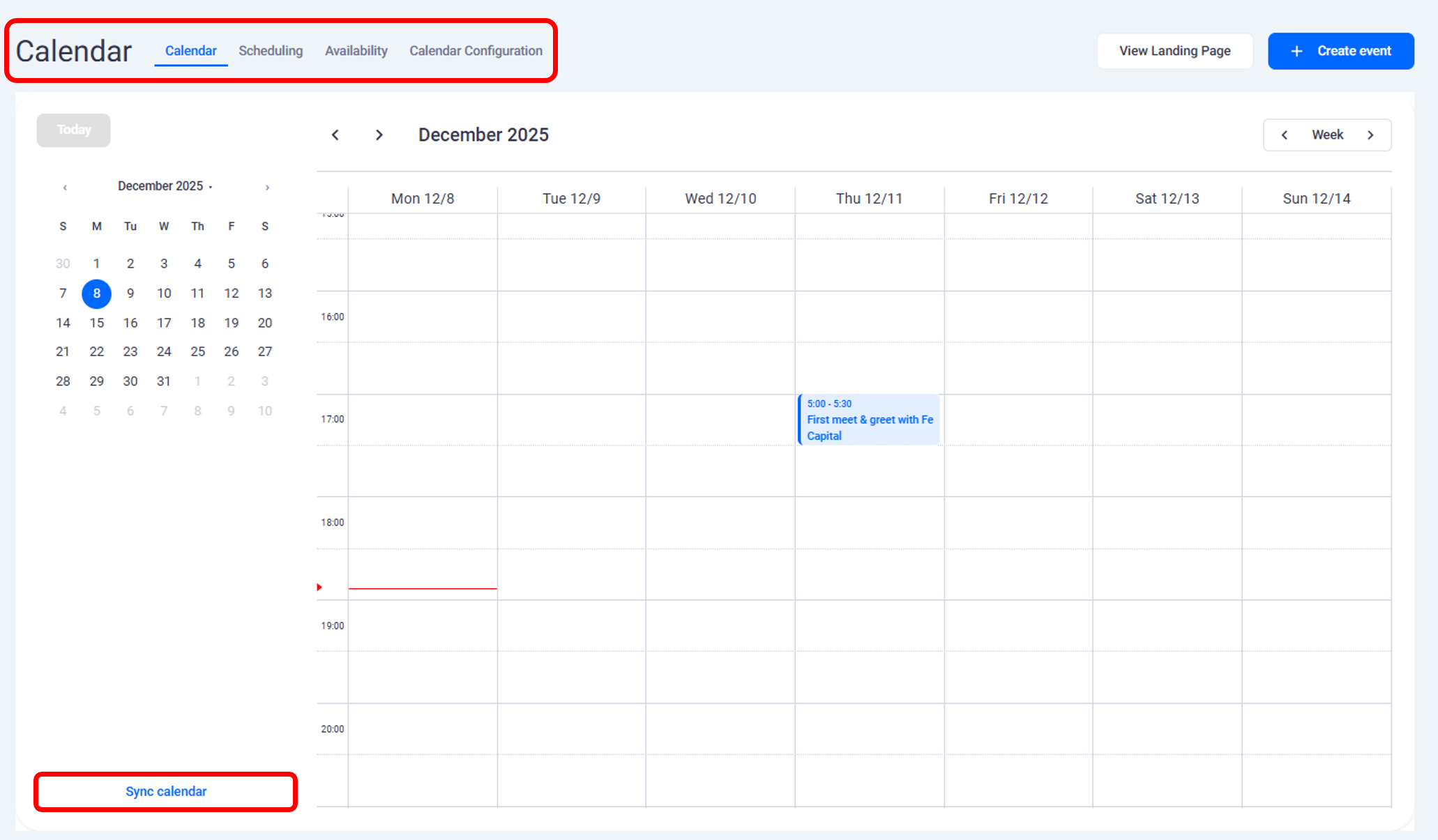
The scheduling feature inside Intelligent Outreach allows you to create, manage, and share meeting eventsdirectly with investors. All scheduling takes place within the built-in FE Capital calendar.
Calendar Sync
and Availability
The calendar inside Intelligent Outreach can be synced with external platforms and customized to show availability.This ensures all scheduled events appear automatically in your connected calendars and that bookings only occurduring working hours.
Need help?
Contact our support team and get the help you need.

.webp)